Fixing KOReader's Highlight Lag After Orientation Changes
Follow up to my previous post on turning a Kindle into a leaner Linux system.
While working on it, I ran into a really noticeable issue in KOReader: upon orientation change, it would highlight completely wrong text instead of just being visually misaligned.
Not by a little. Enough to be annoying.
The text would rotate, the page would reflow, and the highlight geometry would just sit there, lagging behind the new layout. Usually it took about 10 to 15 seconds for KOReader to finally catch up and redraw everything correctly.
This lag was enough to break my reading flow.
#Mental model: what was actually happening
The important part here was not that KOReader's highlight rendering was broken. It could highlight text perfectly fine.
The problem was strictly timing.
On orientation change, the layout updated immediately, but the highlight refresh was deferred. That left a 10-15 second window where the screen was technically in the new orientation, but the highlight overlay was still using stale geometry from the old layout, highlighting completely wrong text underneath.
The fix in one line:
That alone made a huge difference to the reading experience.
#How I got there
Since I had no prior experience with Lua, I wrote the solution in about 65 lines of pseudo code that looked a lot like Python (XD).
Then I took help from GitHub Copilot to turn that into a proper KOReader patch in Lua.
That ended up being the absolute fastest path: reason about the exact behavior I wanted first, then fit the solution into the actual plugin and codebase conventions afterward.
local render_key = get_render_key(ui)
if render_key ~= nil and ui._last_render_hash ~= render_key then
    ui._last_render_hash = render_key
    ui._hr_epoch = (ui._hr_epoch or 0) + 1
end

if ui._hr_applied_epoch ~= ui._hr_epoch then
    ui._hr_reset_highlight_cache(view)
    ui._hr_applied_epoch = ui._hr_epoch
end
Once the highlight refresh happened immediately, orientation changes stopped feeling choppy and the reading flow became consistent again.
I need my tools to be perfect when it comes to the visual side of things, or else my immersion breaks and my flow falls apart.
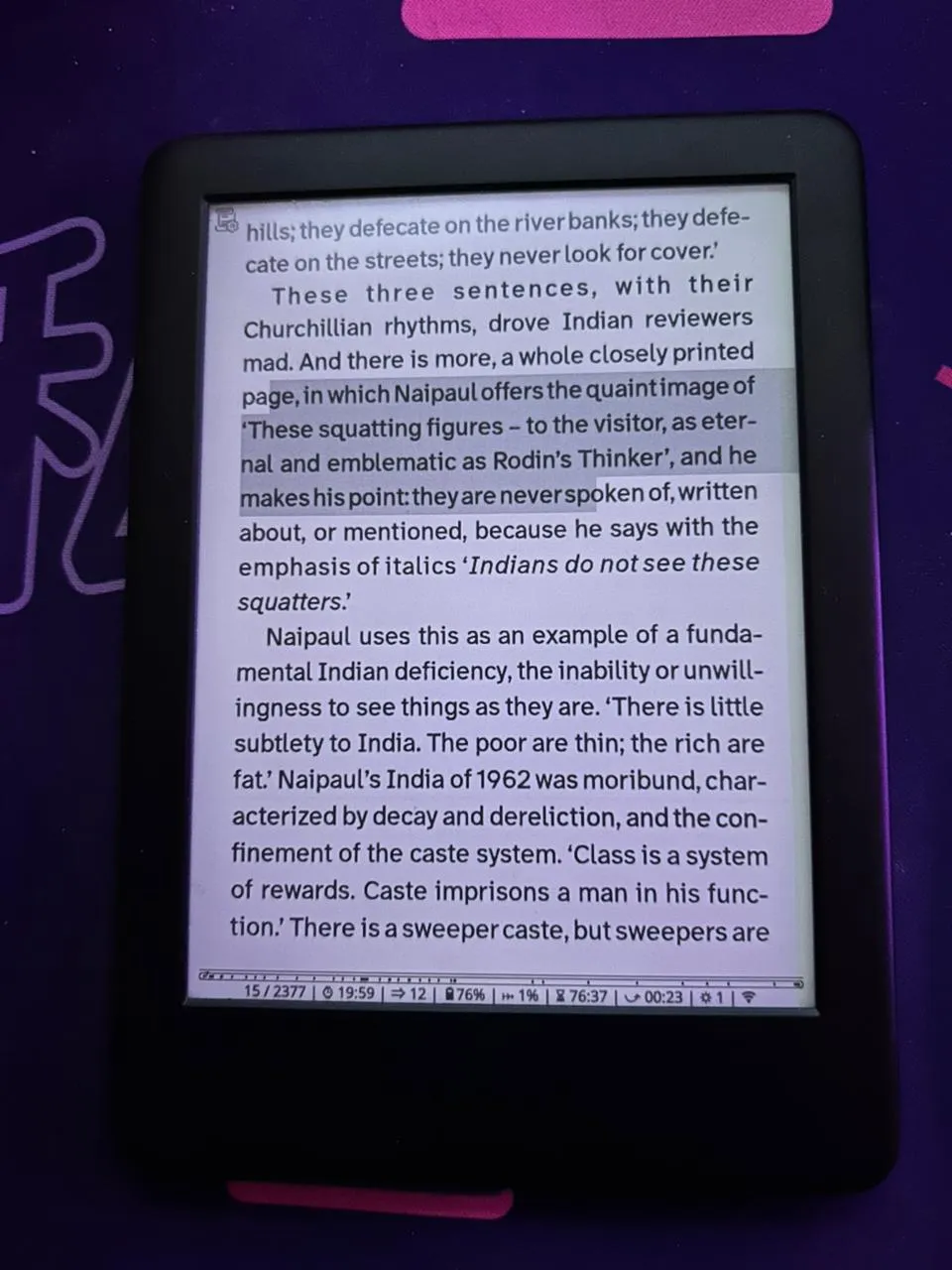
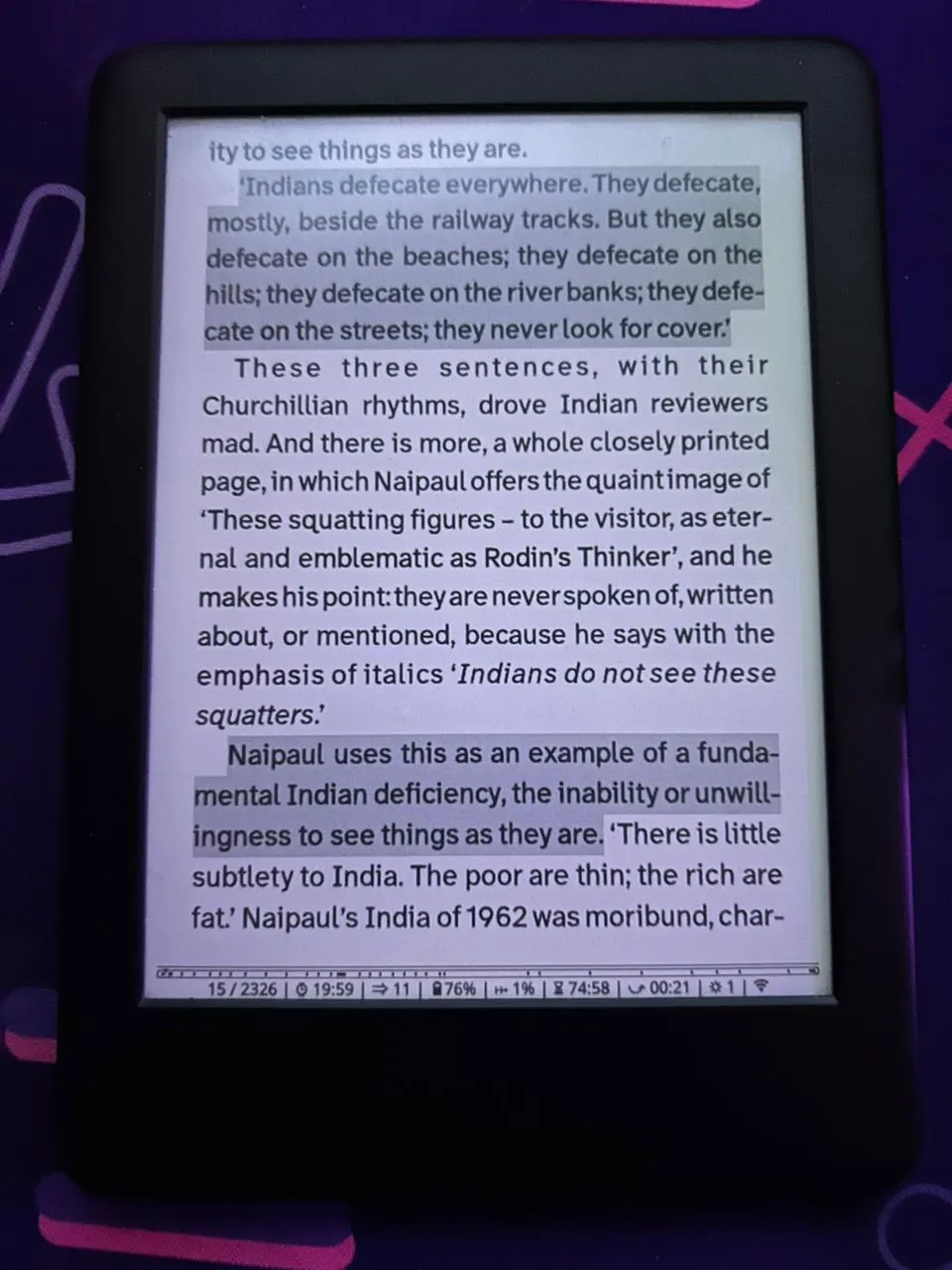
Highlight Lag Before & After
Highlighting completely wrong text while lagging behind the new layout.
#A smaller screensaver fix
While I had the hood open, I also fixed a smaller issue in the Kobo-style screensaver plugin I mentioned in the last blog.
In landscape mode, cover images were getting cropped incorrectly on the screensaver.
The root cause was simple. The crop logic hardcoded portrait math and broke when the screen dimensions changed.
local rotation_mode = Screen:getRotationMode()
if rotation_mode % 2 == 1 then
    Device.orig_rotation_mode = rotation_mode
    Screen:setRotationMode(Screen.DEVICE_ROTATED_UPRIGHT)
end

if Device.orig_rotation_mode then
    Screen:setRotationMode(Device.orig_rotation_mode)
    Device.orig_rotation_mode = nil
end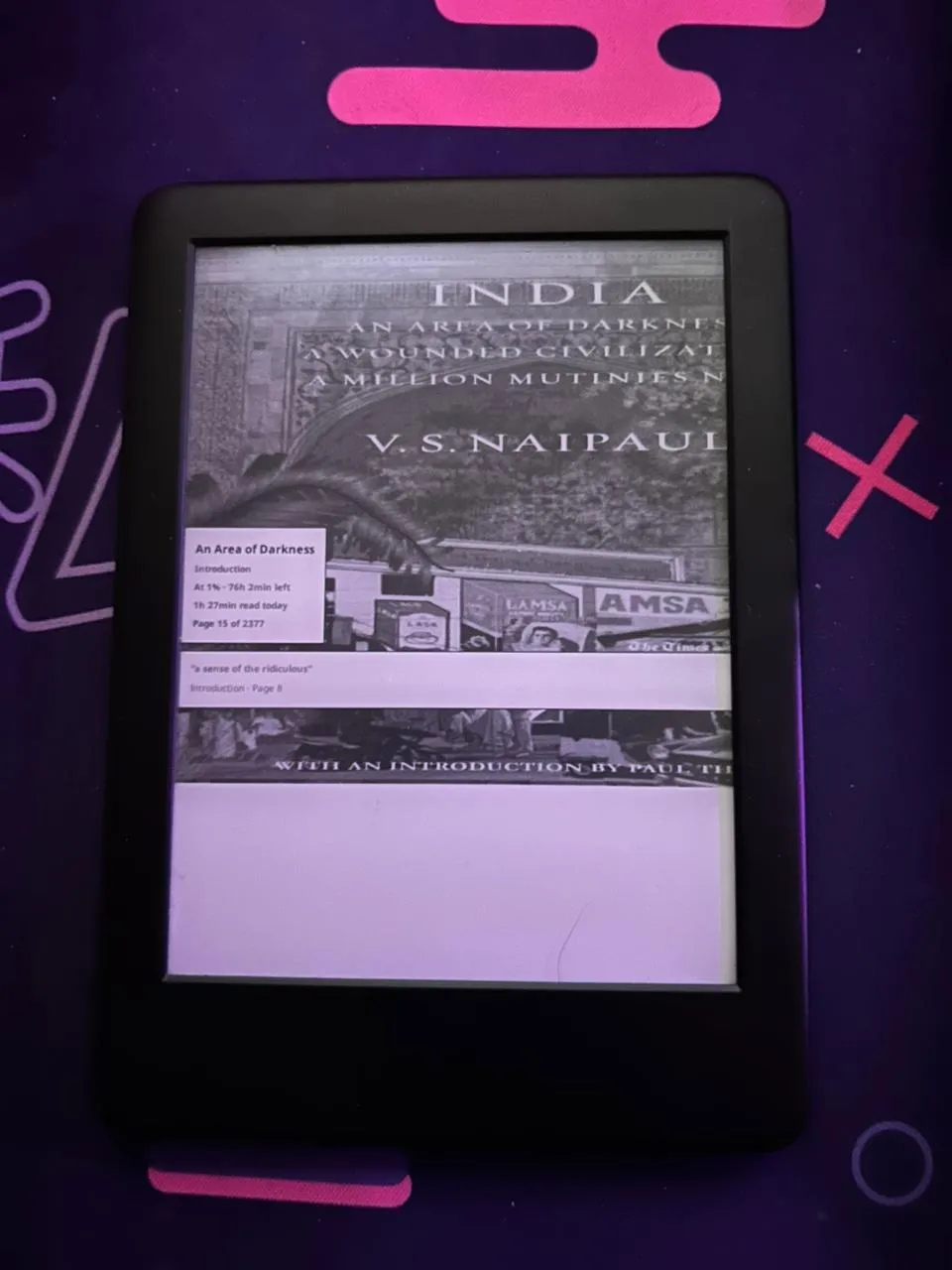
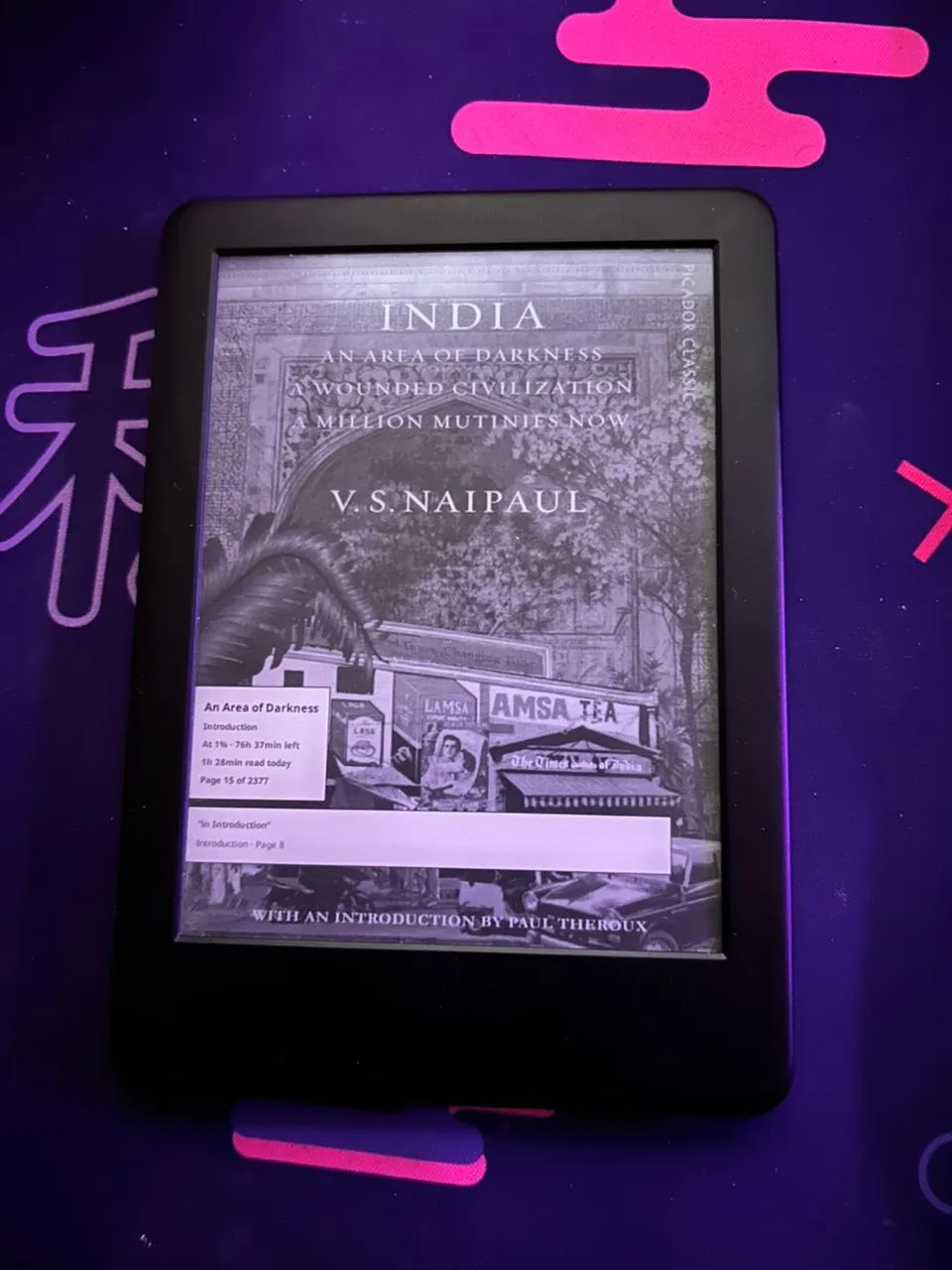
Screensaver Crop Before & After
Messy landscape layout with incorrect crop dimensions.
With this fixed, I have achieved near perfection on my Kindle. I had planned on upgrading to a 12th Gen Paperwhite. That is a massive generational leap in hardware, but I put it on the back burner. There is no guarantee I could replicate my jailbroken setup on a newer, locked-down device. I care this much about my tools. For me, my way of doing things > a major hardware upgrade.
#What I ended up pushing
Ended up putting both of these patches here:
https://github.com/Dark-Matter7232/koreader-patches
The repo includes the KOReader highlight refresh fix (18b33fb) and the Kobo-style screensaver crop fix (a7ddff1).
#Conclusion
This was a good reminder that the quality of a reading system is heavily dictated by small interaction details.
Small timing fixes that make the interface stop fighting you.
For me, fixing this highlight lag brought the exact same satisfaction as the original Kindle jailbreak: understand the system, find the point where it is behaving just a little bit wrong, and make it follow orders.